How Yellowpay Works
Getting started with Yellowpay is simple. Here is how your business can begin accepting mobile money payments in just a few steps.
Register Your Business
Sign up on the Yellowpay platform in minutes. Enter your shop details to instantly generate your custom POS terminal web link (e.g., yellowpayzambia.com/pos/your-shop).
Launch Your Terminal Link
Save your unique POS terminal link on your checkout tablet, phone, or computer. You can also download and print your terminal's QR code stand to display on your physical counter.
Key in the Sale
When a customer wants to pay, simply type the sale amount and the customer's mobile money phone number (MTN, Airtel, or Zamtel) into your digital terminal screen.
Customer PIN Confirmation
The customer immediately receives a secure USSD payment prompt on their own mobile device, asking them to enter their Mobile Money PIN to authorize the transaction.
Instant Digital Receipt
The moment they enter their PIN, the POS terminal verifies the receipt in real-time. The page displays a success banner and generates a digital receipt you can share via WhatsApp or print.
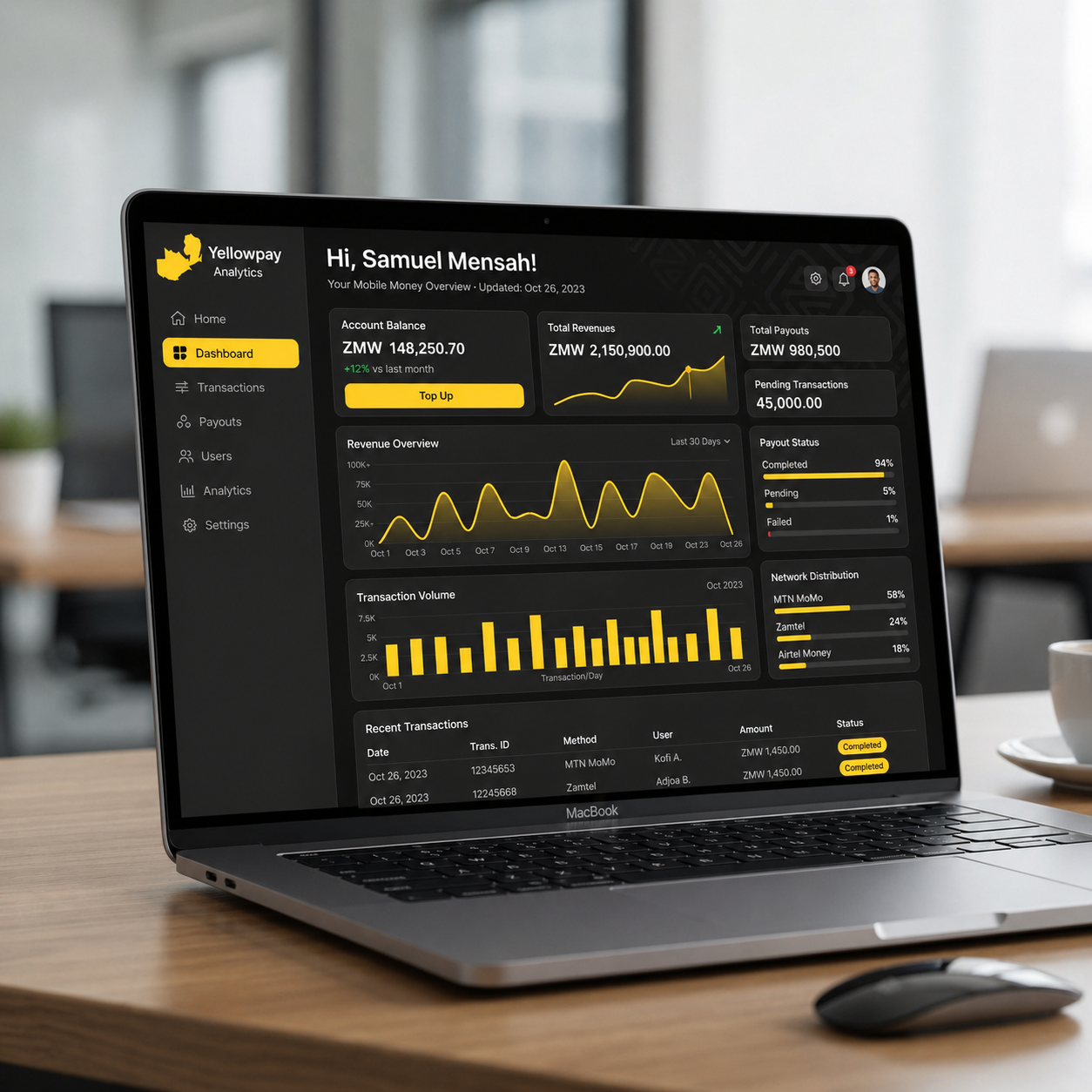
Manage Everything in One Place
Track transactions, monitor payouts, and view your business analytics through our intuitive dashboard interface.
Ready to Get Started?
Set up your business account today and start accepting mobile money payments.
Create Your Account